
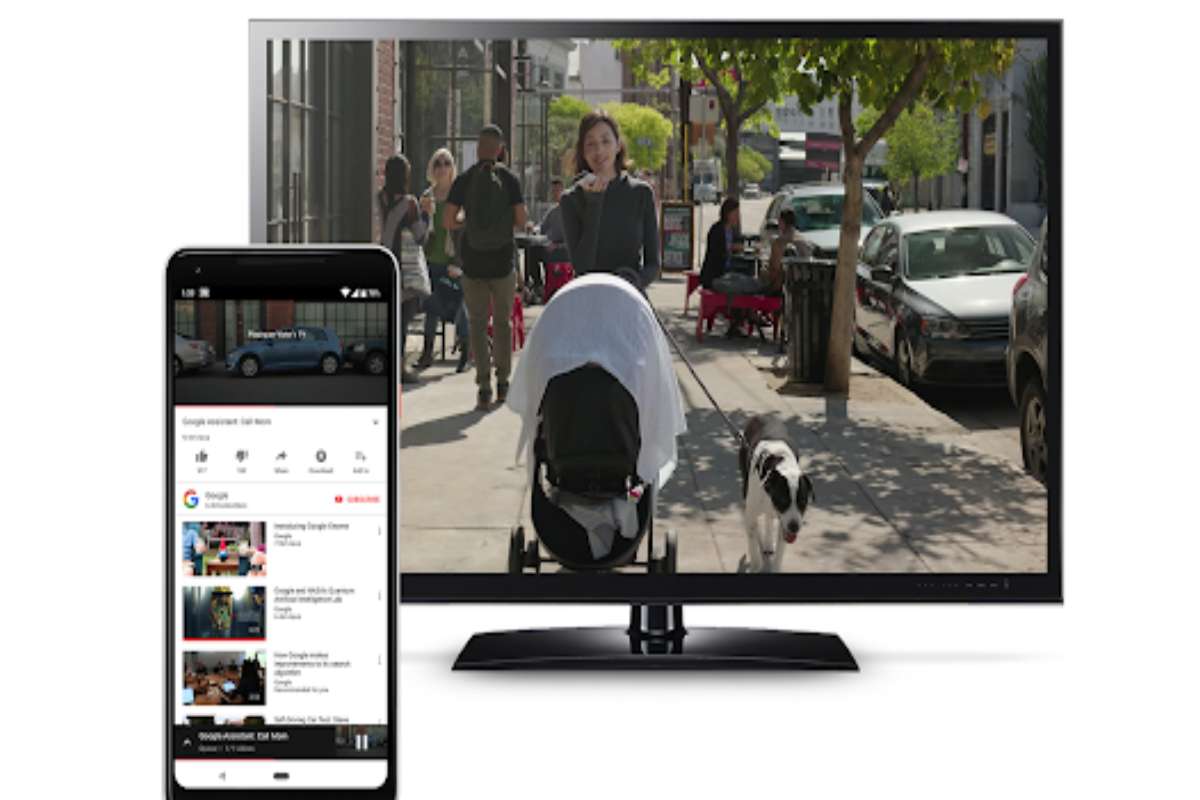
What is a Chromecast built-in?
Chromecast built-in is a technology that lets you stream your favorite entertainment and apps from your phone, tablet, or laptop right to your TV or speakers.
Chromecast is a minimal format material, resembling a USB key, which will connect to an HDMI port on your television (or a jack for the audio version).
This outlet can be powered directly or plugged into the mains like a conventional device.
Once it is over, all you need to do is connect it to the internet via WiFi, and you can enjoy videos from your phone, tablets, and PCs (YouTube, Dailymotion, Twitch, and others) directly to your TV.
The audio version will allow you with the same principle of use to launch the music from your favorite device to your audio system.
Note that there are now three versions of Chromecast: the first version, “Chromecast,” classic, resembling a key.
The more powerful “Chromecast 2” replaced the original version. And the Chromecast Audio, which is just for musical use.
The device’s principle is simple.
How to use Chromecast built-in?
In the end, it doesn’t take much to use it. On the one hand, of course, you need an end device, i.e., a receiver that supports the Cast protocol.
These can be speakers, televisions, or even entire hi-fi systems.
Usually, a note such as “Chromecast Built-in” on the devices’ packaging indicates the support.
The steps for use at a glance
- Switch on the receiver
- Call up the app on the smartphone or laptop
- Click the Google Cast icon
- Select the device to be received from the list
- The content is already transferred
- And on the other hand, you only need an app that has integrated the casting protocol.
- Google apps such as YouTube, Chrome, or Photos support this function by default.
- But also many other programs, even on the PC, support the function.
- Here you have to click on the Cast symbol and select the receiving device from the list that is then displayed.
- Make sure that the receiver is on beforehand so that it also appears in the list.
Google Chromecast built-in speakers and music systems
- Google’s main entries into Chromecast built-in speakers are its own Google Home, Home Mini, and Home Max.
- You can stream music from your phone to one of these using Chromecast-compatible apps.
- Use the Home speakers to ‘cast’ content to other Chromecast devices using Google Assistant.
- You’ll also find Chromecast built-in in products from other manufacturers, such as Sony, B&O, Harman Kardon, JBL, LG, Onkyo, Philips, Sony, NAD, and Naim.
- And we’re not just talking wireless speakers here: Sony’s multi Award-winning home cinema amp, the STR-DN1080, has Chromecast built-in, as do Naim’s awesome Uniti Atom, Nova, and Star streaming systems.
- You can find the complete list of TVs, speakers, and more with Chromecast built-in
Speakers with Chromecast built-in
- Chromecast built-in speakers let you instantly stream your favorite music, radio, or podcasts from your mobile device to your speakers.
Easily stream music without the hassle of pairing
- Tap the Cast button from your favorite music apps to start streaming to your speakers. Adjust the volume or change the song right from your phone.
- Unlike Bluetooth setup, Chromecast built-in speakers work over WiFi.
- So you can connect more than one device to your speakers and control from anywhere in the house.
Listen to your favorites anytime
- Choose from millions of songs from popular music services like Spotify, Google Play Music, and Pandora, or catch up on current events with NPR podcasts.
- We’re constantly adding new apps, so there’s no end to the music, online radio stations, and podcasts you can enjoy.
Can I also retrofit Chromecast Built-in?
- If you have an older TV that may not even use Android TV as its operating system, you can install a Google TV dongle to an HDMI port.
- You can find out which of Google’s dongles is best for you in our reviews on the topic:
- It becomes more difficult with older audio devices because Google’s Chromecast audio dongle has not been available for a long time.
- However, Bluetooth adapters can be retrofitted, but they do not support the Cast protocol, but at least allow wireless transmission.
Best Google Chromecast Built-In Speakers
- Sony SRS-X99 Bluetooth/WiFi Speaker
- Sony HT-CT790 2.1 Soundbar
- LG SJ6B 2.1 Sound Bar
- Philips HTL5160B/12
- Sony HT-RT5 5.1 Sound System
- JBL PLAYLIST
- Grace Digital CastDock X2
- Vizio Crave 360