
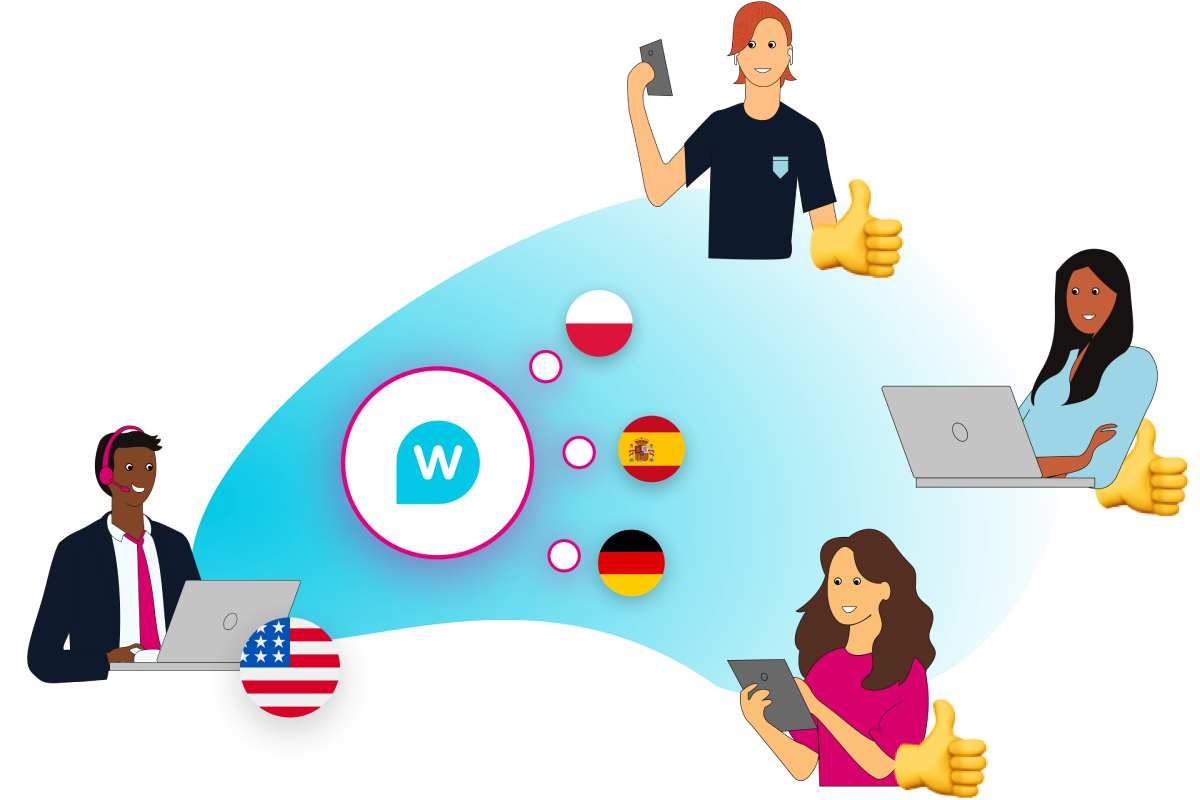
Real-Time Translator
A Real-Time translator is a tool that translates text into the language specified by the user in real-time and transcripts the conversations using web conferencing tools.
This product allows you to communicate seamlessly even when you don’t speak the other person’s language.
For example, let’s say you’ve decided to use a web conferencing tool like Microsoft Teams to communicate with
people overseas.
Suppose you and the other person were unable to speak the other’s language fluently.
The real-time translator tool is handy at this point.
The real-time translator tool can translate the words you speak into another language.
The words spoken by the interlocutor are translated into your language as text. This way, you can communicate with
each other seamlessly. For more update please visit our website.
System requirements
- Windows 10, Mac OS 10.14 or Higher.
- The browser Real-Time Translator is running in is Google Chrome or Microsoft Edge (Chromium) and will not work in Mozilla Firefox.
Google Translate for Android can now transcribe and translate speech in real-time
- Recently, the ability to create subtitles and translate them on the fly has become popular in several Google apps, and now it has been added to Google Translate.
- Users can enable the automatic translation of speech from one language to another of their choice in real-time.
- It can be a great opportunity when travelling abroad or when chatting with people from another country.
- The function is currently available in 8 languages, which, in addition to Russian, also include English, French, German, Hindi, Portuguese, Spanish and Thai.
- In the latest version of the translator, the user can click the Transcribe button and select the two languages he wants to translate.
- Recognition and translation on the fly will begin after pressing the microphone button located below; you can pause the process using the same controller.
- Users can also enable the original language transcript, change the text size, or select a dark theme from the settings menu.
- To use this feature, you must install the latest Google Translate version from the digital Play store for Android.
- However, as usual, the functionality is being rolled out gradually and available to everyone in the coming days.
- Support for iOS devices is not yet known but will undoubtedly appear soon.
Online Translator from Google
- The most significant advantage of using the Google Translating service is its simplicity.
- Online translator does not require installing additional programs or extensions; translation is done directly in the browser.
Translation in the Google search bar
For fast translating, you don’t even need to go to the service page. It is enough to enter “Translating Google” or simply “Google Translate” in the Google search bar.
After that, a form will appear on the page where you can select a direction and instantly receive a translation of the foreign word you are interested in.
All the most basic functions of a translator are available here:
- The ability to change the language
- Voice dialling
- Reverse translation
After entering the phrase, you will be given the most suitable result upon request and allowed to view all
translation options.
Google Translate mobile app
- Suppose you often have to use an online translator, for example, when travelling abroad or when communicating with foreigners.
- In that case, the Google Translate application, which can install on your phone or tablet, is the best solution.
- Of course, the mobile version supports all the same functions as the online service.
- There are various types of typing, automatic language detection, and the ability to translate words from more than 100 languages of the world (in both directions).
- But the application has even more advanced features.
Features of Google Translate
- Translation of PDF documents, your dictionary, offline work – these are just a few of the service’s capabilities.
1. Handwriting input
- Google Translate not only supports typing words using the keyboard but also handwriting input.
- Moreover, this applies to both the web version of the service and the mobile application.
- You need to click on the pencil icon at the bottom of the input window in the first case. No touchscreen or stylus support required.
- In the mobile application, handwriting input is much more convenient.
- It is activated by clicking on the pen icon, after which you can draw both individual letters and whole words with your finger.
- This input method can be beneficial for learners of hieroglyphic languages: Japanese, Chinese, or Korean.
2. Offline Translation
- Mobile “Google Translate” has long been able to work without a network connection.
- You need to pre-load the dictionaries of the languages you need. Can do this from the side menu of the application by selecting Offline Translation.
- In this section, language packs can be saved and deleted from the smartphone’s memory.
3. Instant translation via camera
- An equally valuable function of the mobile application is text translation using a smartphone camera.
- In real-time, it will display the finished text instead of the caption you are shooting.
- Instant translation comes in handy when you need to know what a sign or warning sign means. It will be incredibly convenient abroad.
- To access this function, you need to launch the camera from the application toolbar.
- You can open any previously received photo in the shooting mode, where there is something to translate.
4. Translation from any application
- Google Translate offers a convenient quick translation function from any application where can highlighted text on Android smartphones.
- Having marked the desired word or phrase, you need to expand the context menu by clicking on three dots and select “Translation”.
- A mini-translator window will open on top of the original application, where, if necessary, you can change the language or listen to the pronunciation.
- This function is enabled in the application settings, in the section with the logical name “Fast translation”.
Interpreter, Google’s real-time translator, hits mobile
- After launching intelligent speakers and displays earlier this year, Google’s Real-Time Translation Mode for Interpreters is finally landing on mobile.
- This feature is a much more user-friendly app for such features and will be available worldwide on Android and iOS phones from today.
- The function works in conjunction with an assistant.
- Say something like “Ok Google, be my German translator” or “Ok Google, help me speak Thai,” and the feature is activated, offering real-time transcript and audio translation.
- This feature also offers some intelligent Gmail-style replies to keep the conversation going.
- This feature is now available in 44 languages (complete list here) out of 29 for smart displays/speakers.
- It’s built right into the Google Assistant app, so there’s no need to download an additional translation app.
- Since then, Google’s Lens apps have quickly become an integral part of international travel.